Administrator Guide
Complete administration reference for configuring organizational units, provisioning servers, structuring multi-tier RBAC rules, and auditing compliance logs.
1. Server Provisioning
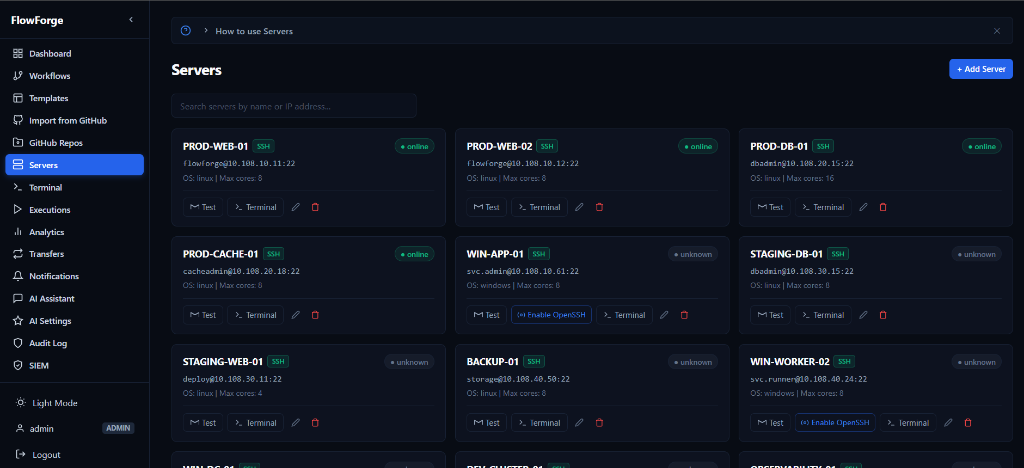
Administrators can add servers individually or via dynamic cloud-inventory sync. FlowForge uses agentless SSH and WinRM.
2. GitHub Repositories
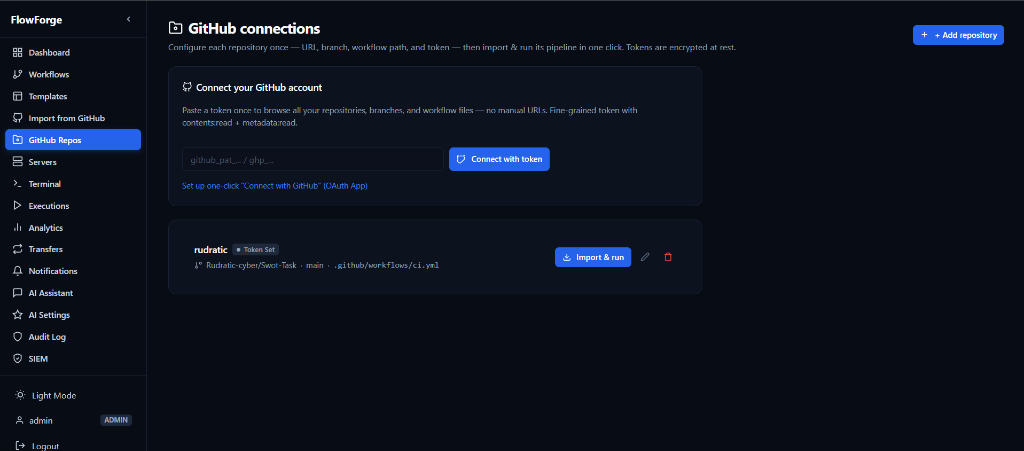
Connect FlowForge directly to your GitHub organizations to pull down runbooks, scripts, and workflow YAML definitions automatically on commit.
3. Notifications
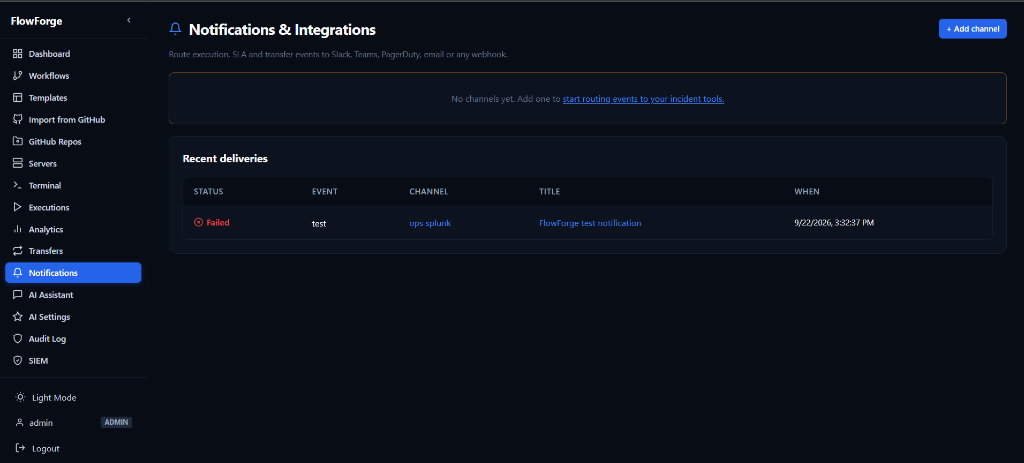
Configure global webhook routes, Slack integrations, and Microsoft Teams channels to receive alerts for SLA breaches and failed executions.
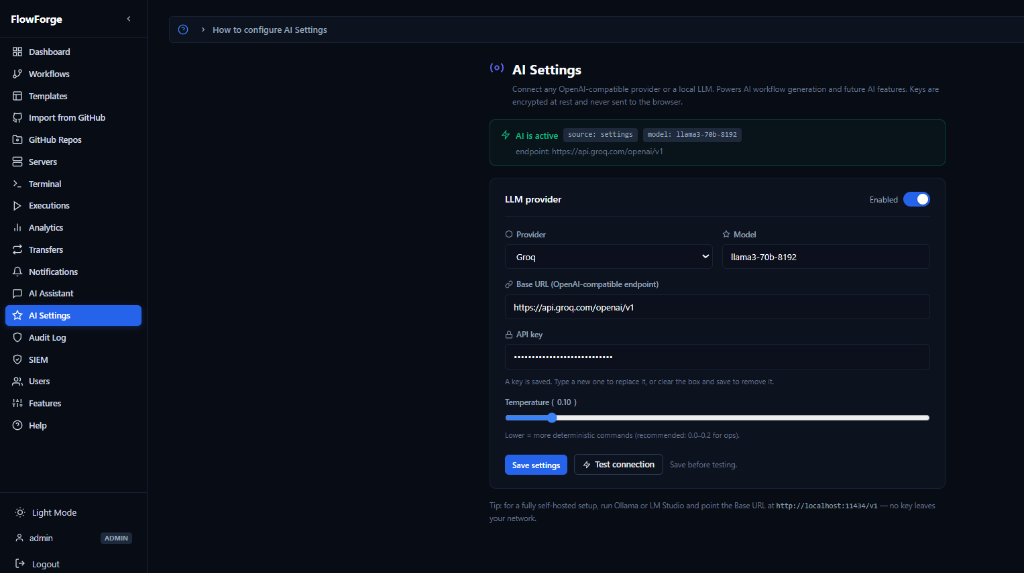
4. AI Settings
Configure the foundational LLM that powers the chat-ops assistant. Connect to OpenAI, Anthropic, or an air-gapped local Ollama deployment.
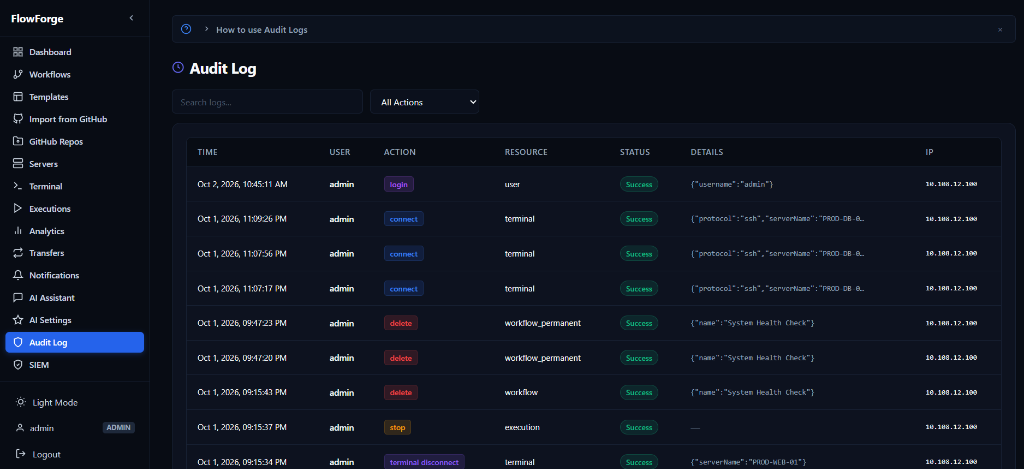
5. Audit Logging
Every execution, SSH terminal command, and configuration change is logged to the immutable ledger to satisfy SOC2 compliance.
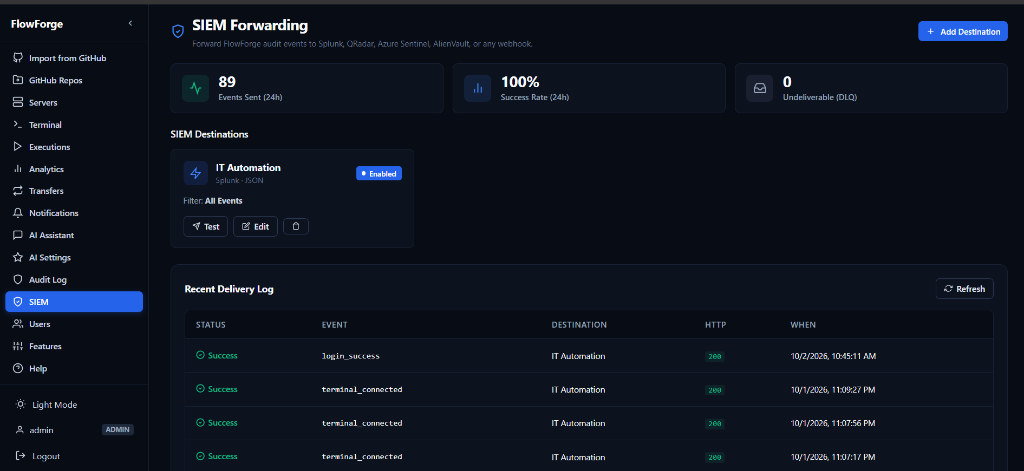
6. SIEM Integration
Forward all internal telemetry, login events, and workflow logs to an external Security Information and Event Management platform like Datadog or Splunk.
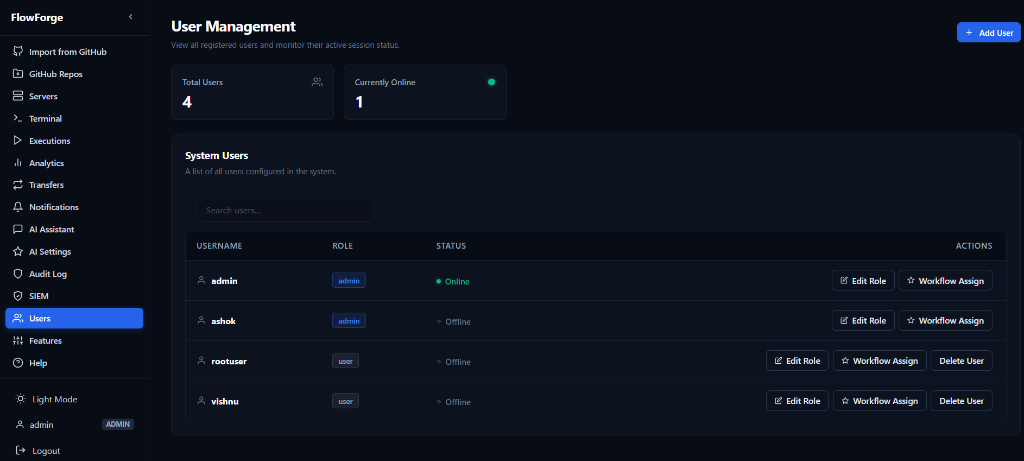
7. User Management
View all registered users, monitor their active session status, and assign RBAC roles or workflow permissions.
8. Feature Toggles
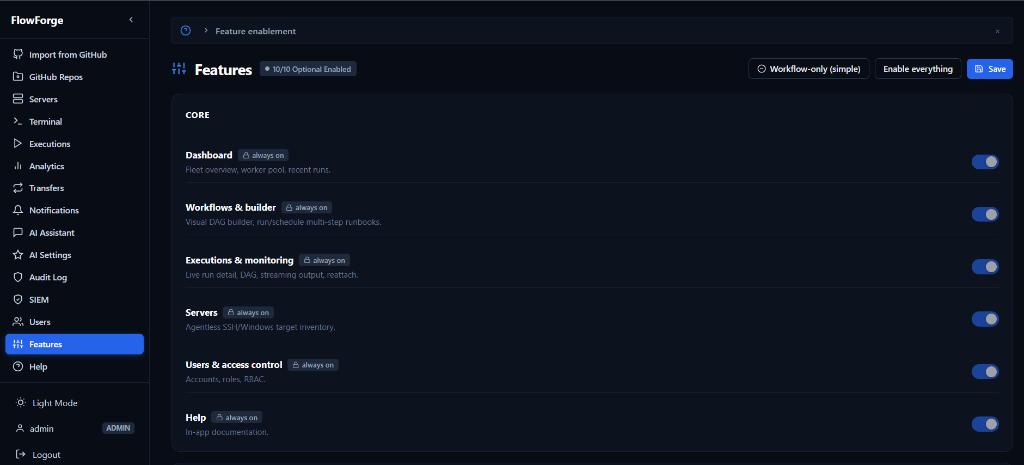
Dynamically enable or disable core application modules across the entire fleet to match your organization's compliance requirements.