SWOT PAM Administrator Guide
Comprehensive operational manual for System Administrators, Security Engineers, and Infrastructure Directors. Covers deployment, identity synchronization, policy engineering, credential vaulting, automated rotation, and live session defense.
System Overview & Architecture
SWOT PAM is an enterprise-grade Privileged Access Management solution designed on a Zero-Trust architecture. All administrative connections to sensitive resources (Linux servers, Windows desktops, databases, and cloud control planes) pass through dedicated protocol inspection proxies.
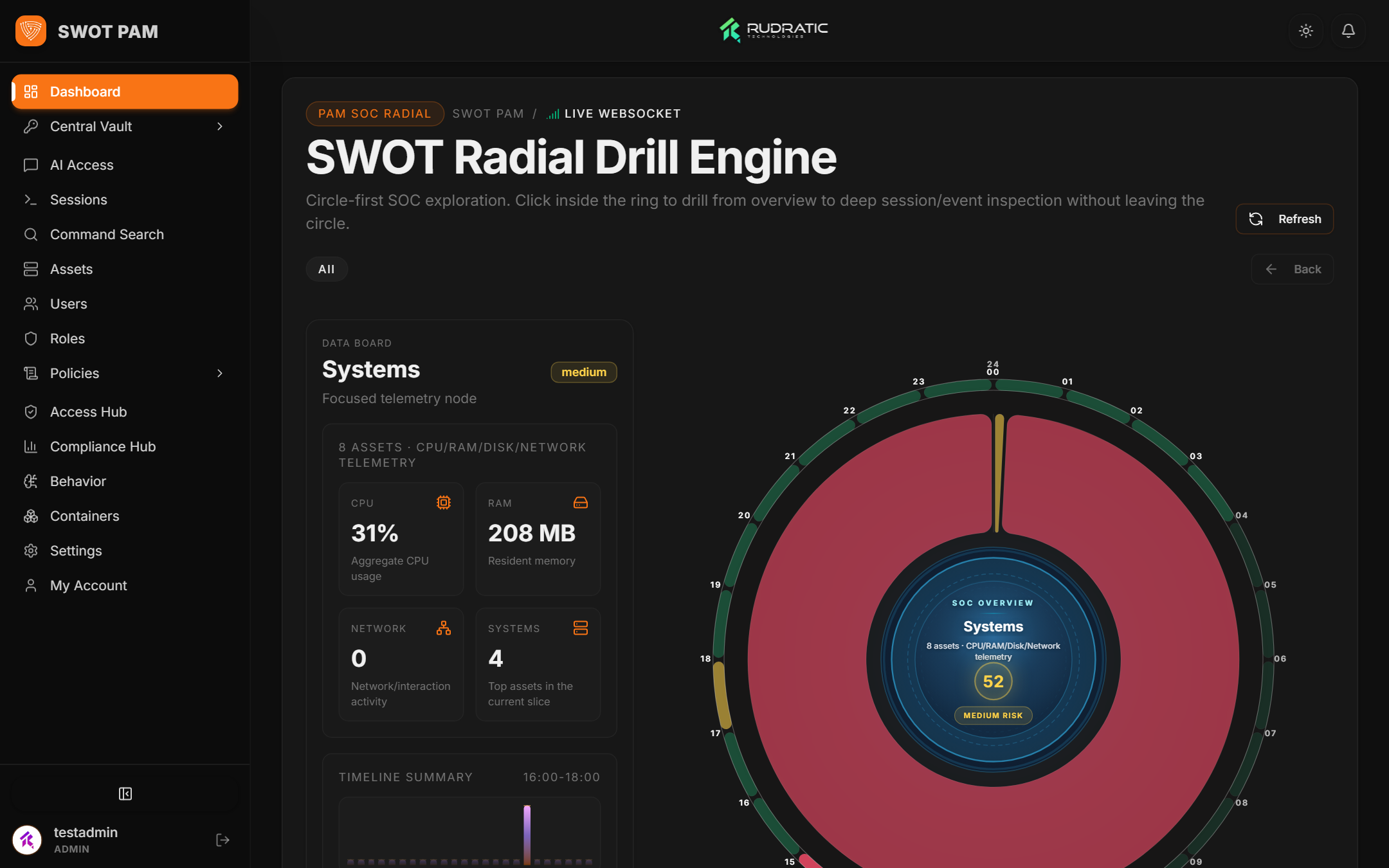
Core platform capabilities include:
- Zero-Trust Protocol Proxies: Keystroke-intercepting SSH proxy (port 2222), Windows IronRDP gateway (port 33890), and SQL protocol proxies (port 5454 / 1521).
- Central Credential Vault: Hardware-grade AES-256-GCM secret store supporting one-click password/key rotation and dual-custody checkouts.
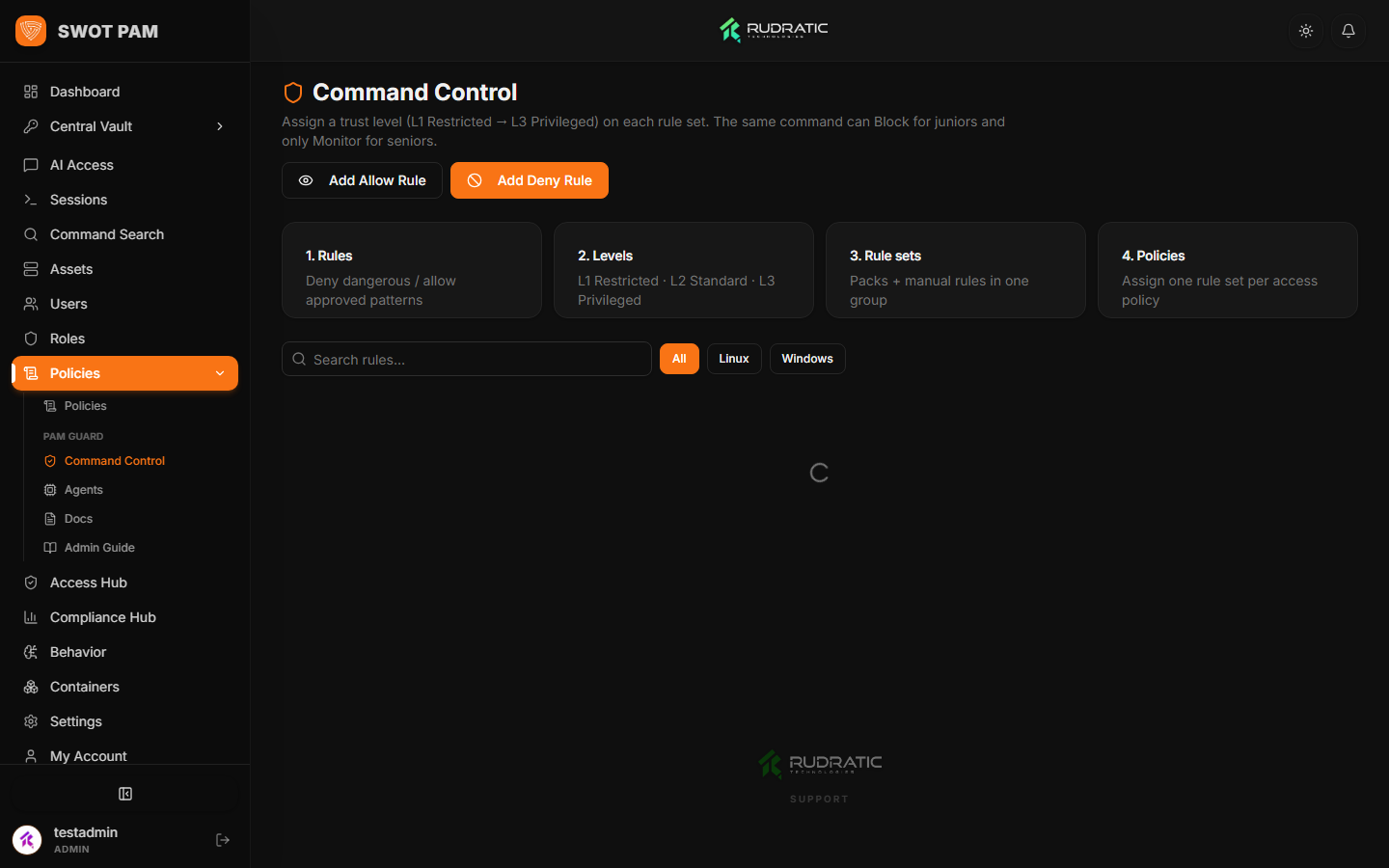
- PAMGuard Threat Engine: Live keystroke stream monitoring, regex command blocking, anomaly scoring, and automated session termination.
- Regulatory Compliance: Automated audit collection for SOC 2, ISO 27001, PCI-DSS, HIPAA, and GDPR with tamper-evident SHA-256 hash chains.
1. Deployment & Container Setup
SWOT PAM is delivered as a containerized stack comprising seven specialized microservices. In production, it runs on standard Docker engines (Docker CE 24+ or Docker EE) with Docker Compose v2.
swot-pam-release.tar.gz offline distribution. No source code compilation or outbound internet connectivity is required.
Quick Deployment via Release Bundle
# 1. Extract the release bundle on the target server
tar -xzf swot-pam-release.tar.gz && cd swot-pam-release

# 2. Configure production secrets
cp .env.example .env
nano .env

# 3. Load prebuilt container images and launch the cluster
chmod +x deploy.sh
./deploy.sh

# 4. Verify service health
docker compose ps
2. Identity Management, MFA & Enterprise SSO
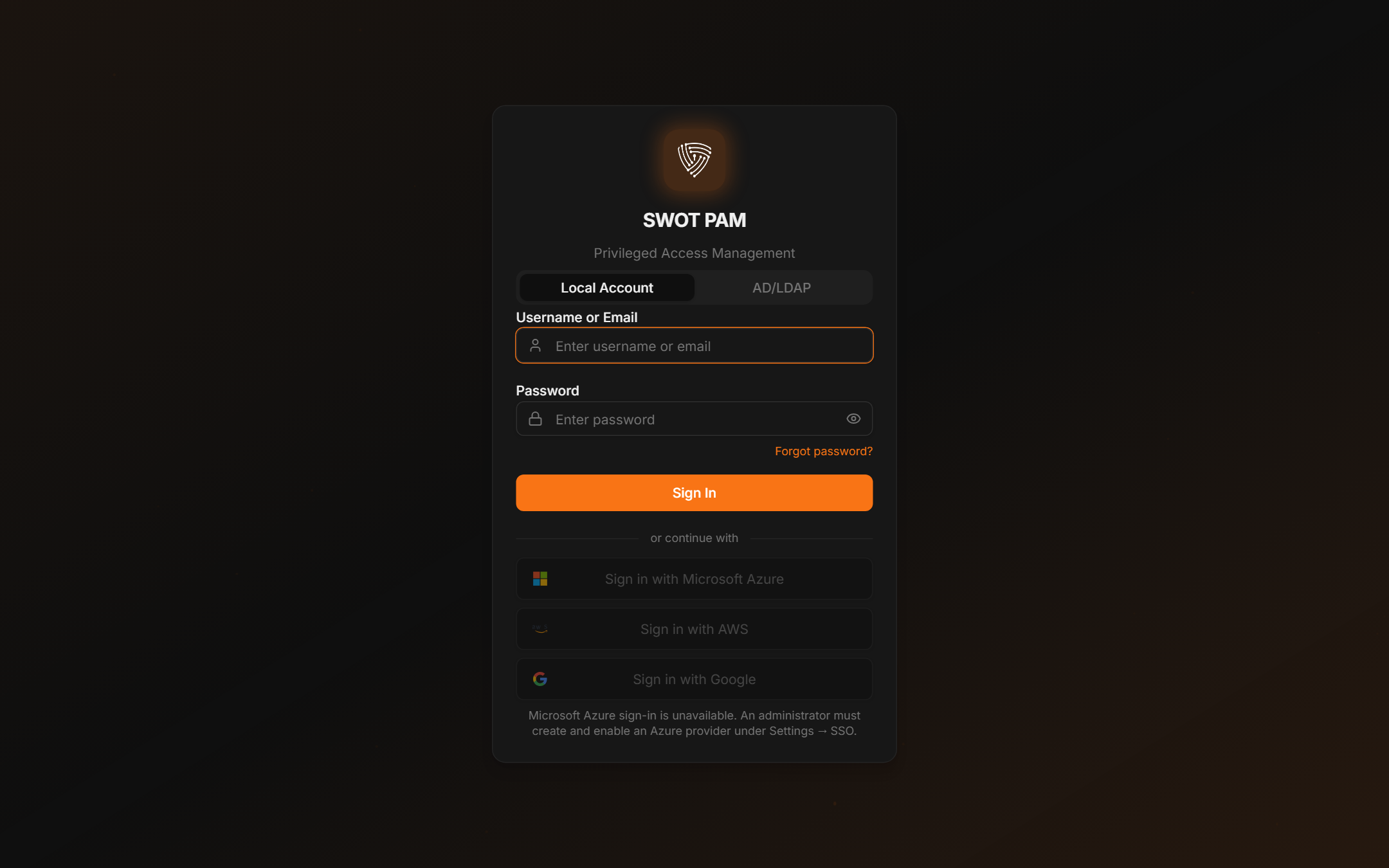
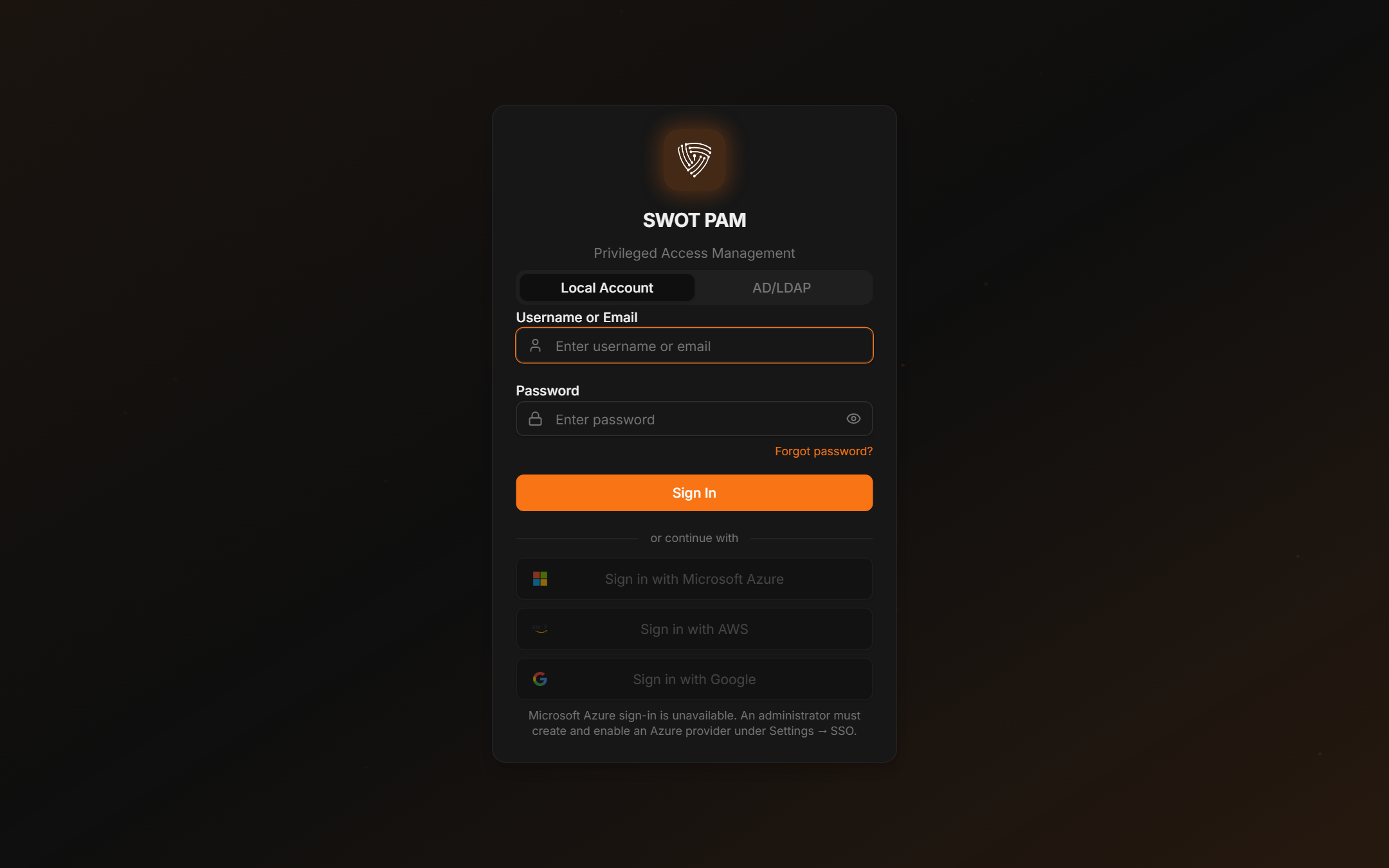
All access to the management console requires strong authentication. SWOT PAM enforces multi-factor authentication (MFA) by default for administrative roles and provides native integration with enterprise Identity Providers (IdPs).
Enforcing Multi-Factor Authentication (TOTP)
Administrators can configure roles to mandate TOTP authentication. Users are guided through a QR code enrollment flow compatible with Google Authenticator, Microsoft Authenticator, and YubiKey OTP.
admin. Upon first boot, you must set a secure master password via SECRET_ADMIN_PASSWORD in your .env file.
Enterprise SAML 2.0 & Active Directory Integration
SWOT PAM supports federated Single Sign-On (SSO) using SAML 2.0 and OpenID Connect (OIDC). Connect seamlessly with Okta, Microsoft Entra ID (Azure AD), PingFederate, and Google Workspace.
- Just-In-Time (JIT) Provisioning: New enterprise users are automatically provisioned with default viewer roles upon first successful SAML assertion.
- Group-to-Role Mapping: Map enterprise directory groups (e.g.,
CN=DevOps,OU=Groups,DC=corp) directly to SWOT PAM roles (devops,dba,vault_admin). - LDAP / AD Synchronization: Scheduled background workers synchronize Active Directory user state, disabling terminated accounts immediately.
3. Custom Branding & White-Labeling
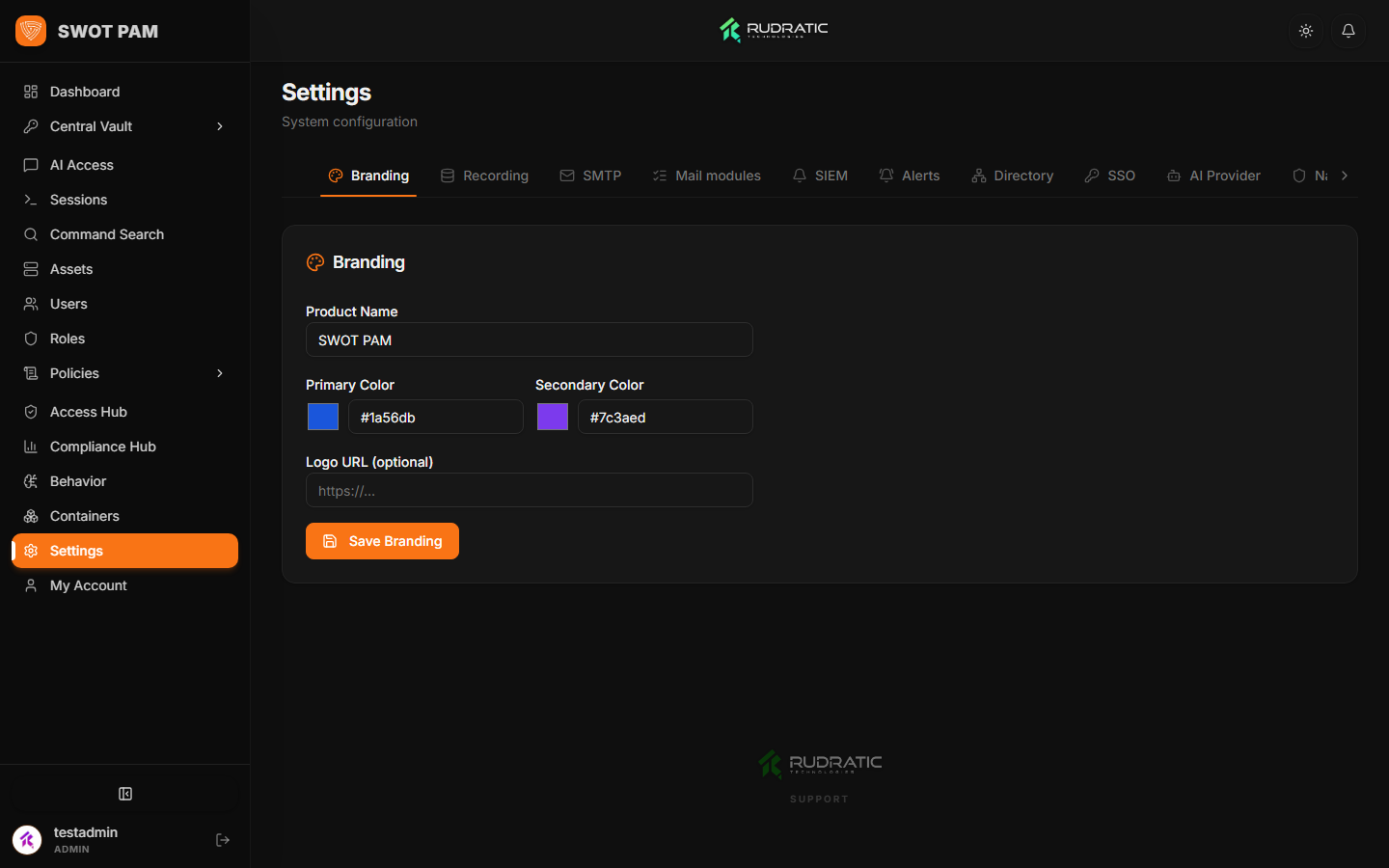
Tailor the PAM portal to match your corporate identity. Administrators can configure custom logos, application titles, accent colors, and custom login messages.
4. Managed Asset Inventory & Discovery Scans
The Asset Inventory represents the single source of truth for all privileged target systems under management. Supported asset classes include Linux servers, Windows servers, database instances, network switches, and cloud accounts.
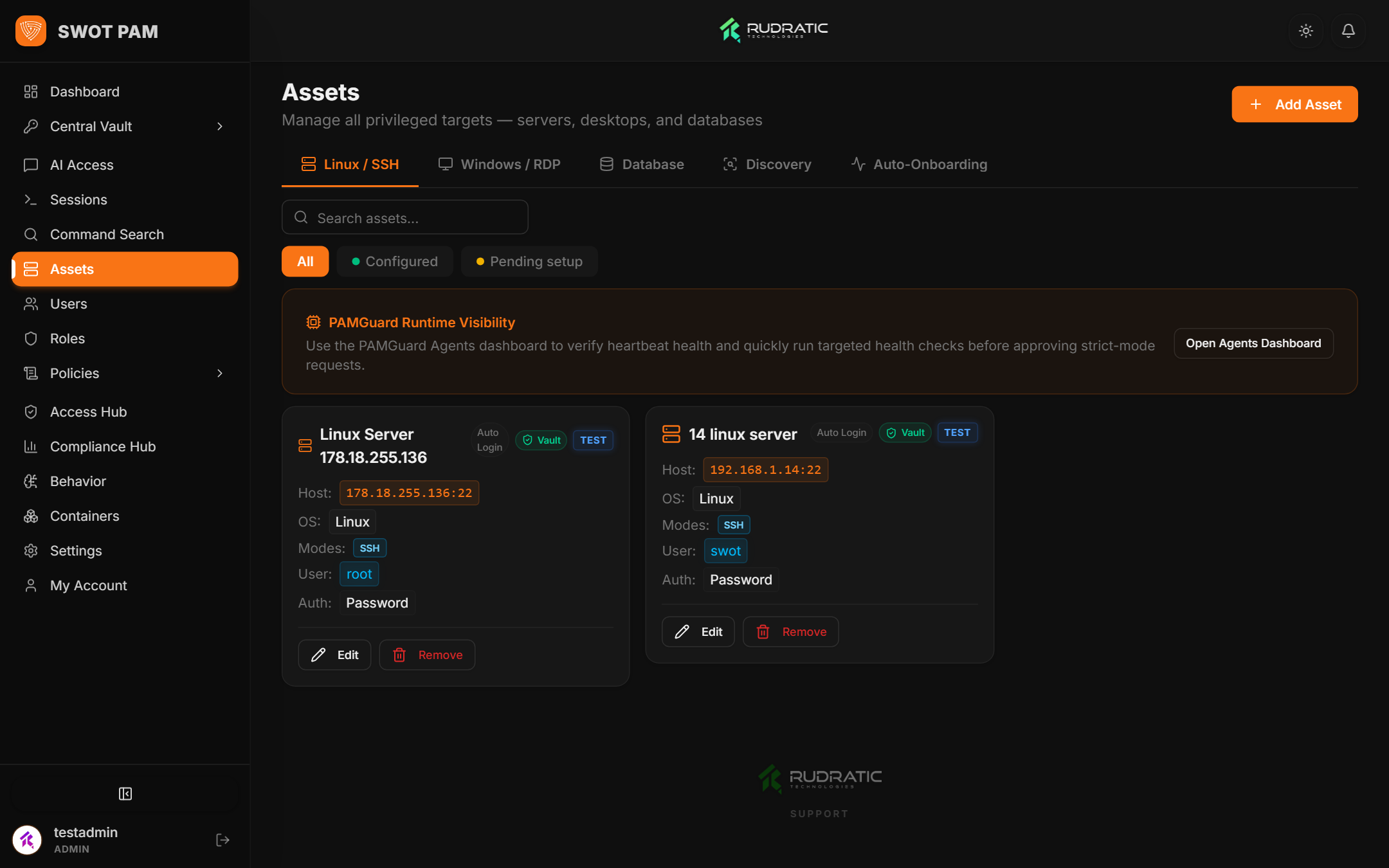
Automated Network Discovery & Auto-Onboarding
Instead of manually adding hundreds of servers, administrators can configure automated network discovery scans across enterprise CIDR blocks.
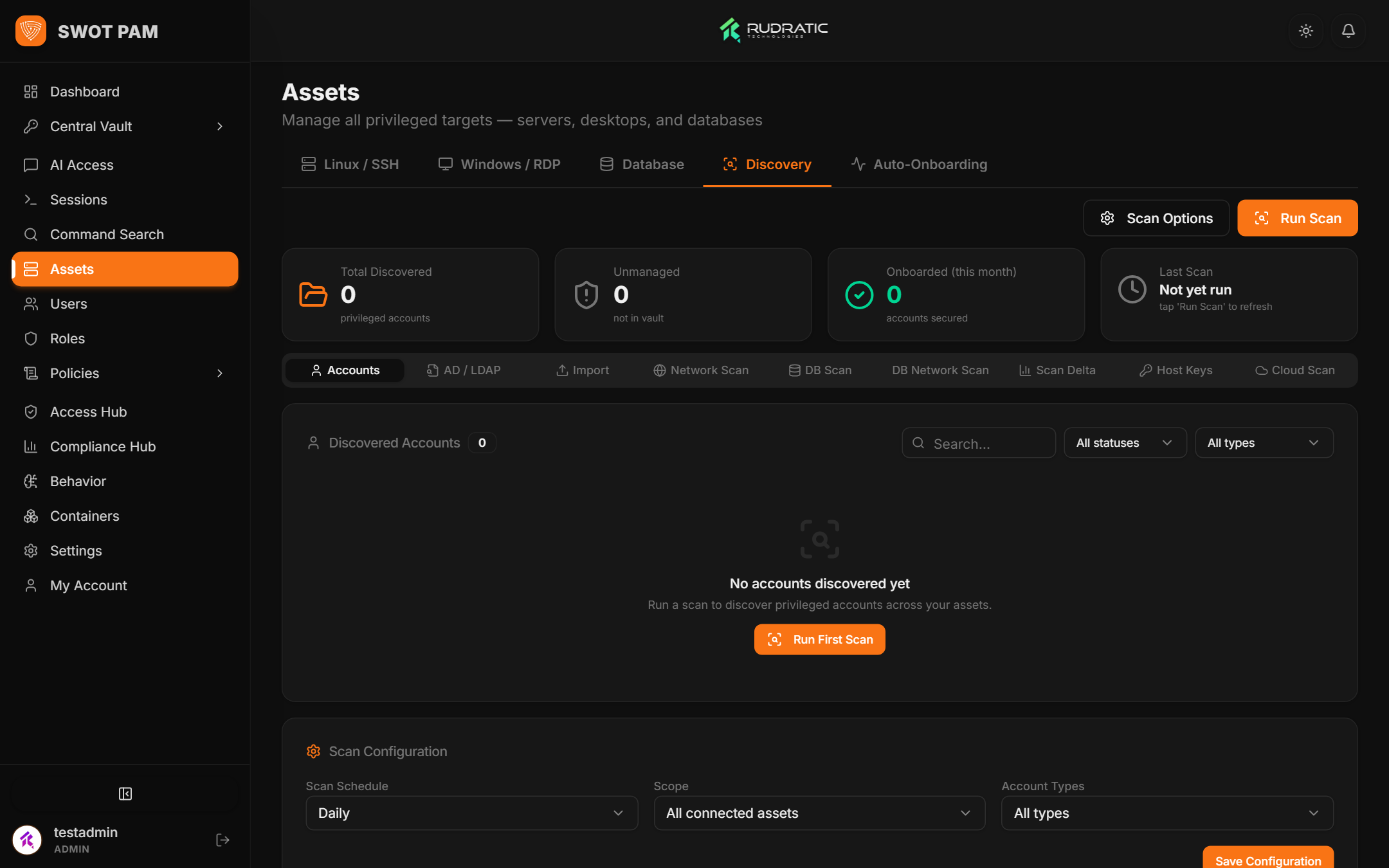
5. Zero-Trust Policy Engine & RBAC Matrix
Access permissions in SWOT PAM are governed by granular, context-aware policies. Rather than granting standing privileges, access is evaluated dynamically based on user identity, target asset, protocol, time window, and client IP range.
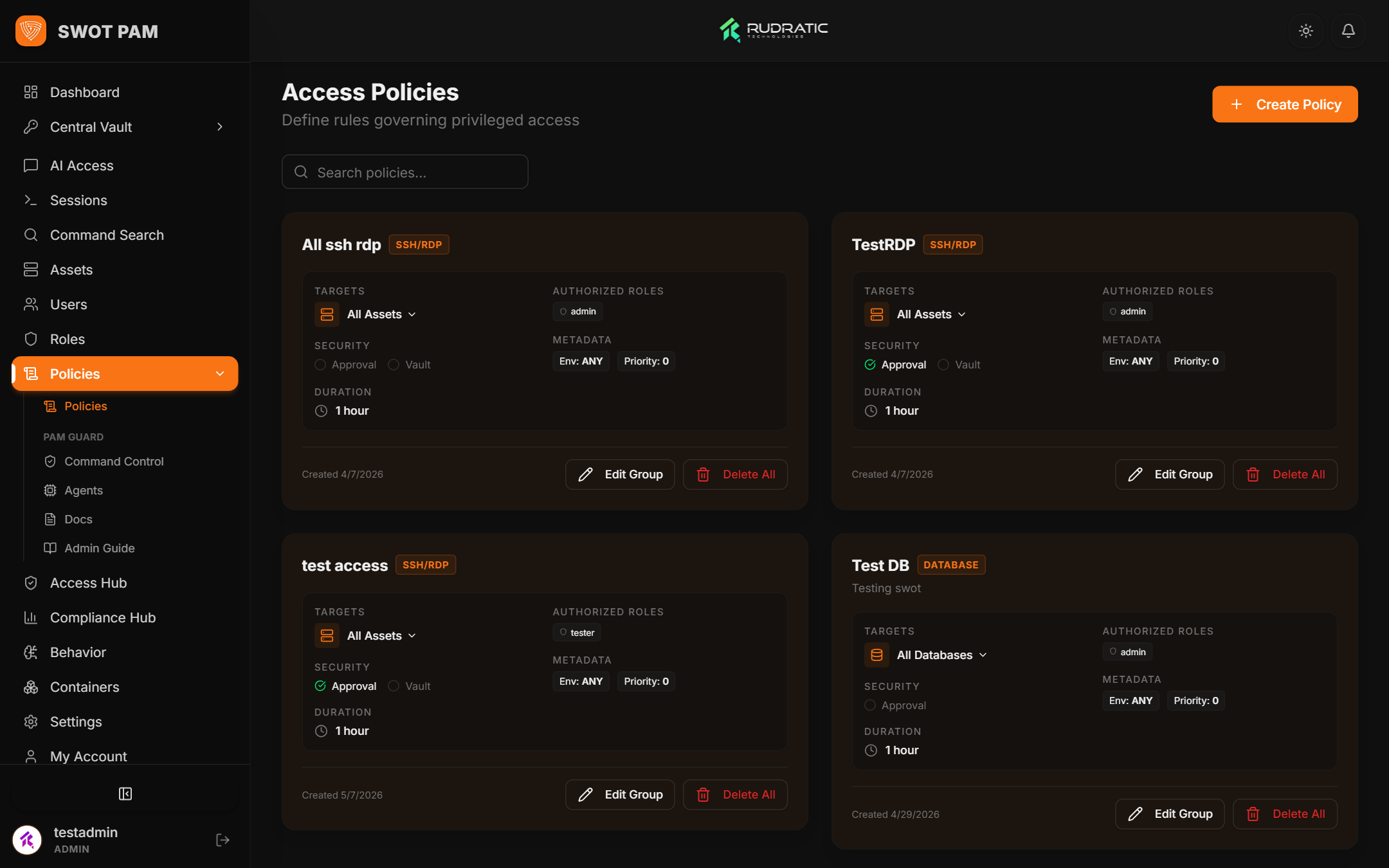
Command Filtering & Dangerous Regex Interception
The policy engine inspects interactive terminal keystrokes in real time. Administrators can configure regex blocklists to prevent catastrophic accidents or malicious actions:
| Rule Name | Pattern / Command | Action | Enforcement Mode |
|---|---|---|---|
| Block Root Deletion | rm\s+-rf\s+(/|\*|/\w+) |
Block & Alert | Immediate Keystroke Drop |
| Block SQL Drop | DROP\s+(TABLE|DATABASE|SCHEMA) |
Block & Alert | Proxy SQL Interception |
| Sudo Privilege Escalation | sudo\s+su\s+-? |
Audit Flag | UBA Threat Score +30 |
| Disallowed Shell Escape | :!\s*sh|:!\s*bash |
Kill Session | Instant Disconnect |
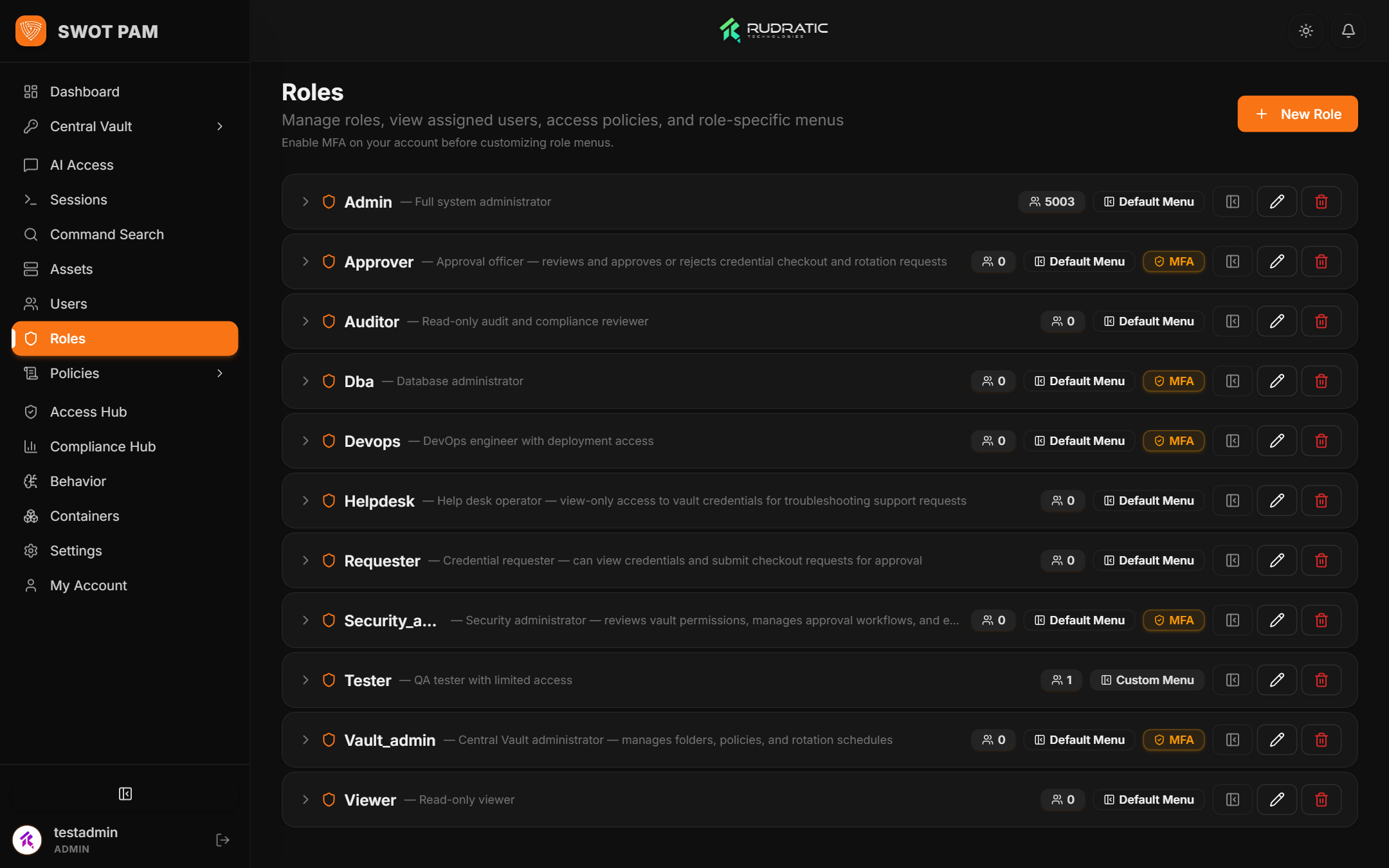
Role-Based Access Control (RBAC)
SWOT PAM provides fine-grained role definitions. System roles control who can administer assets, approve checkouts, view recordings, or execute database queries.
6. Central Vault & Automated Credential Rotation
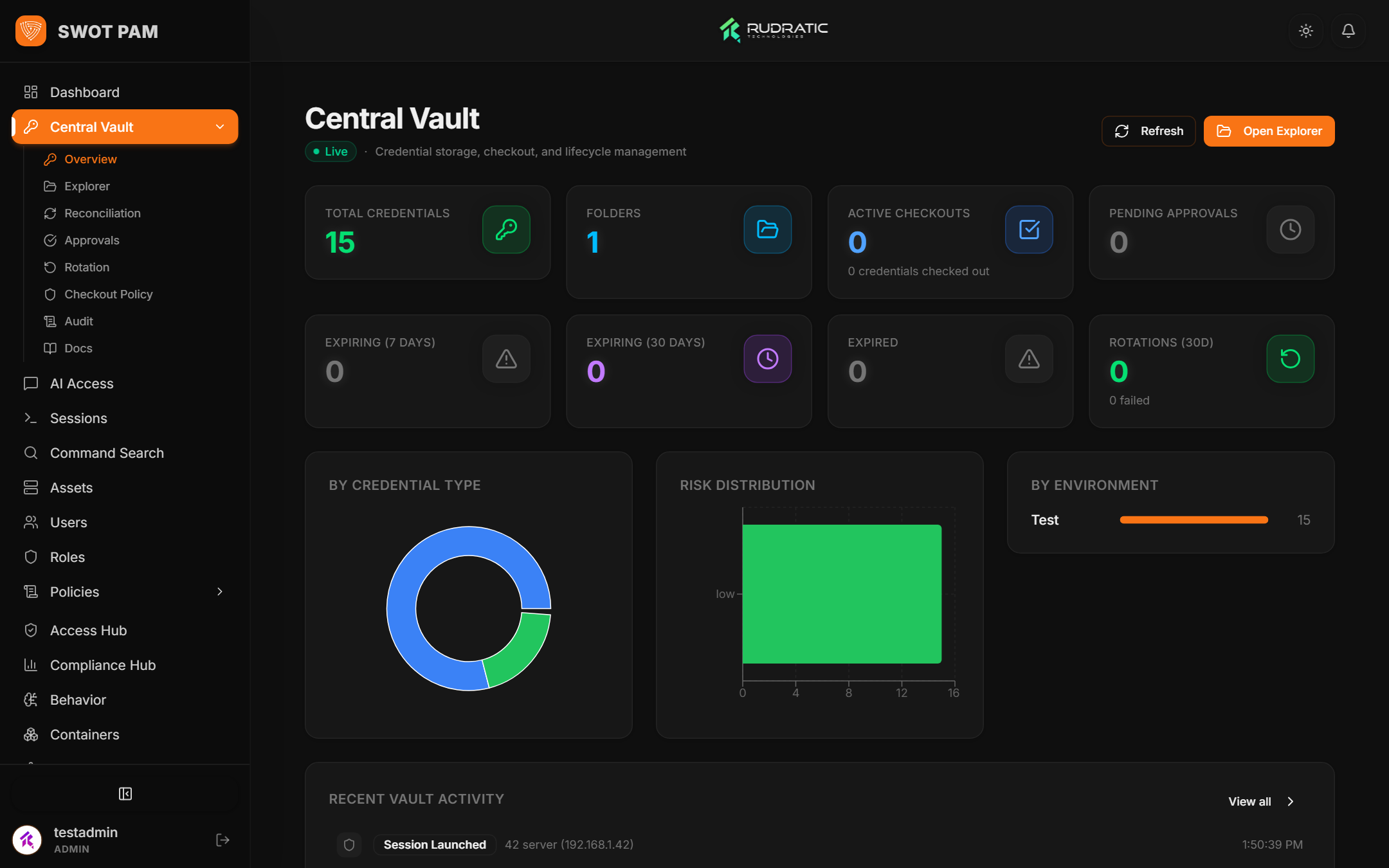
The Central Vault securely stores passwords, SSH private keys, cloud access keys, and API tokens. All secrets are encrypted at rest using AES-256-GCM.
Automated Credential Rotation Engine
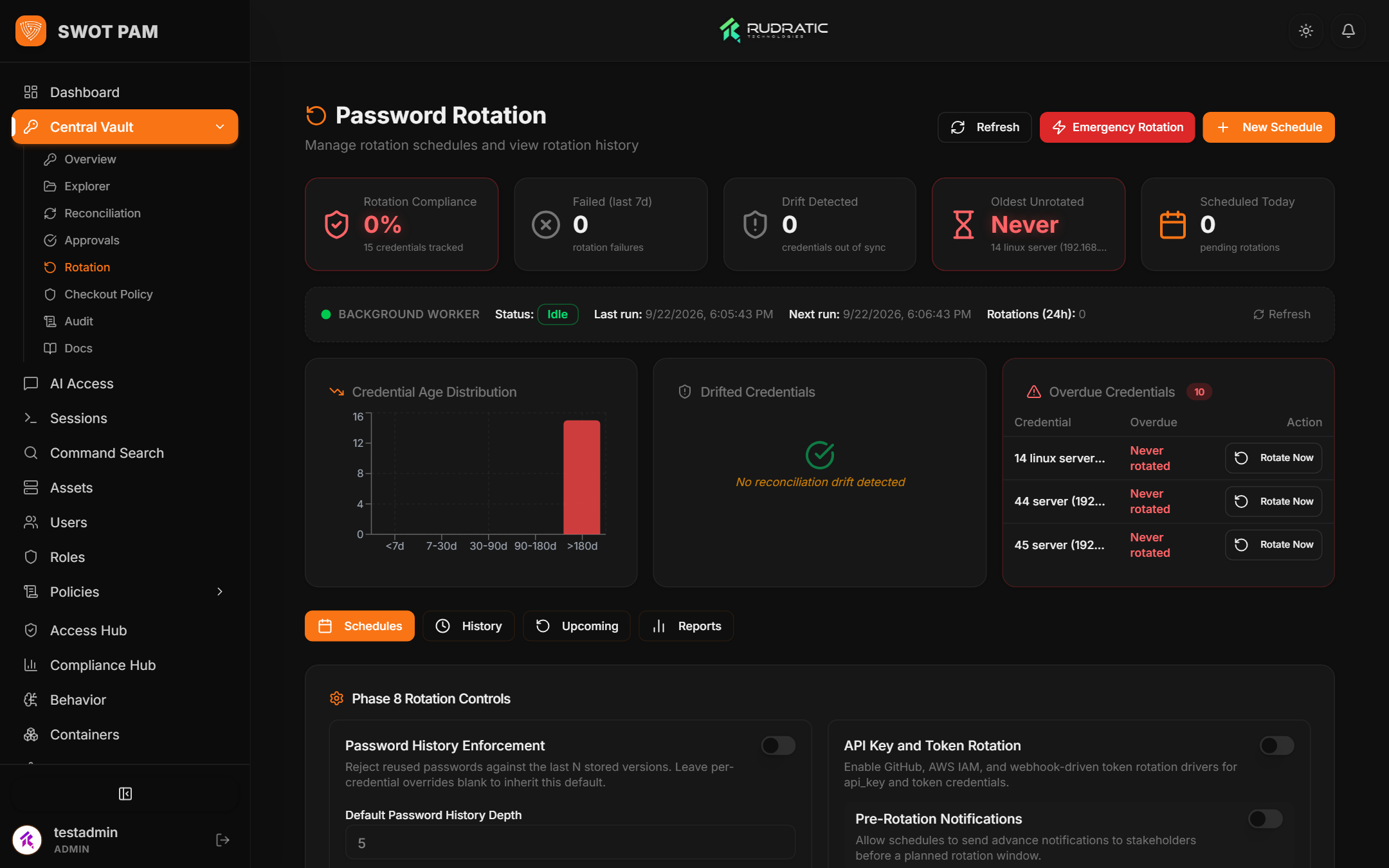
To prevent credential staleness, the rotation worker periodically connects to target systems and updates root/administrator passwords or rotates SSH authorized keys automatically.
Dual-Custody Approvals & Checkouts
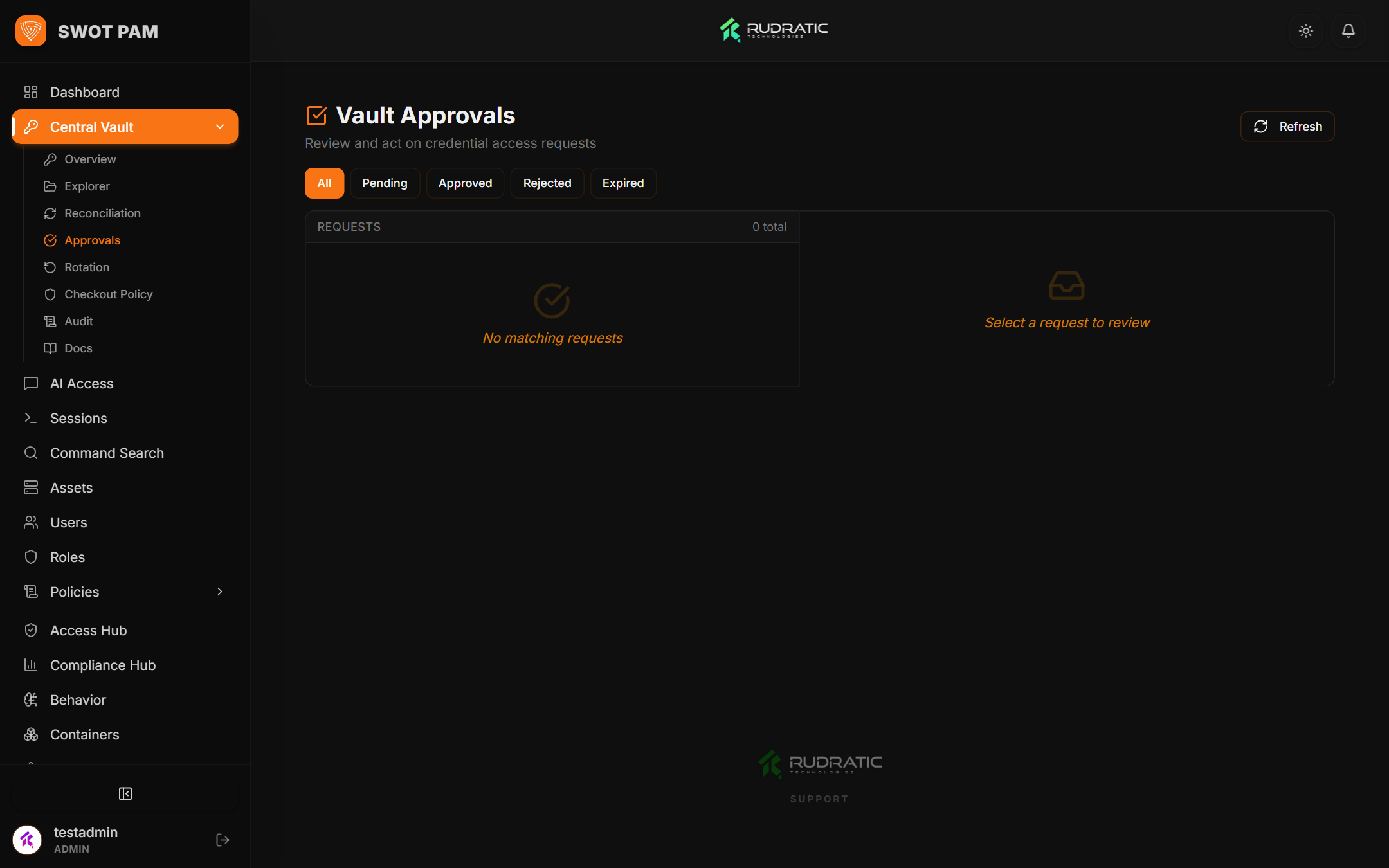
For highly sensitive infrastructure (e.g. production databases or PCI domain controllers), checkout requests require secondary approval before credentials can be unlocked.
7. PAMGuard Live Monitoring & Threat Defense
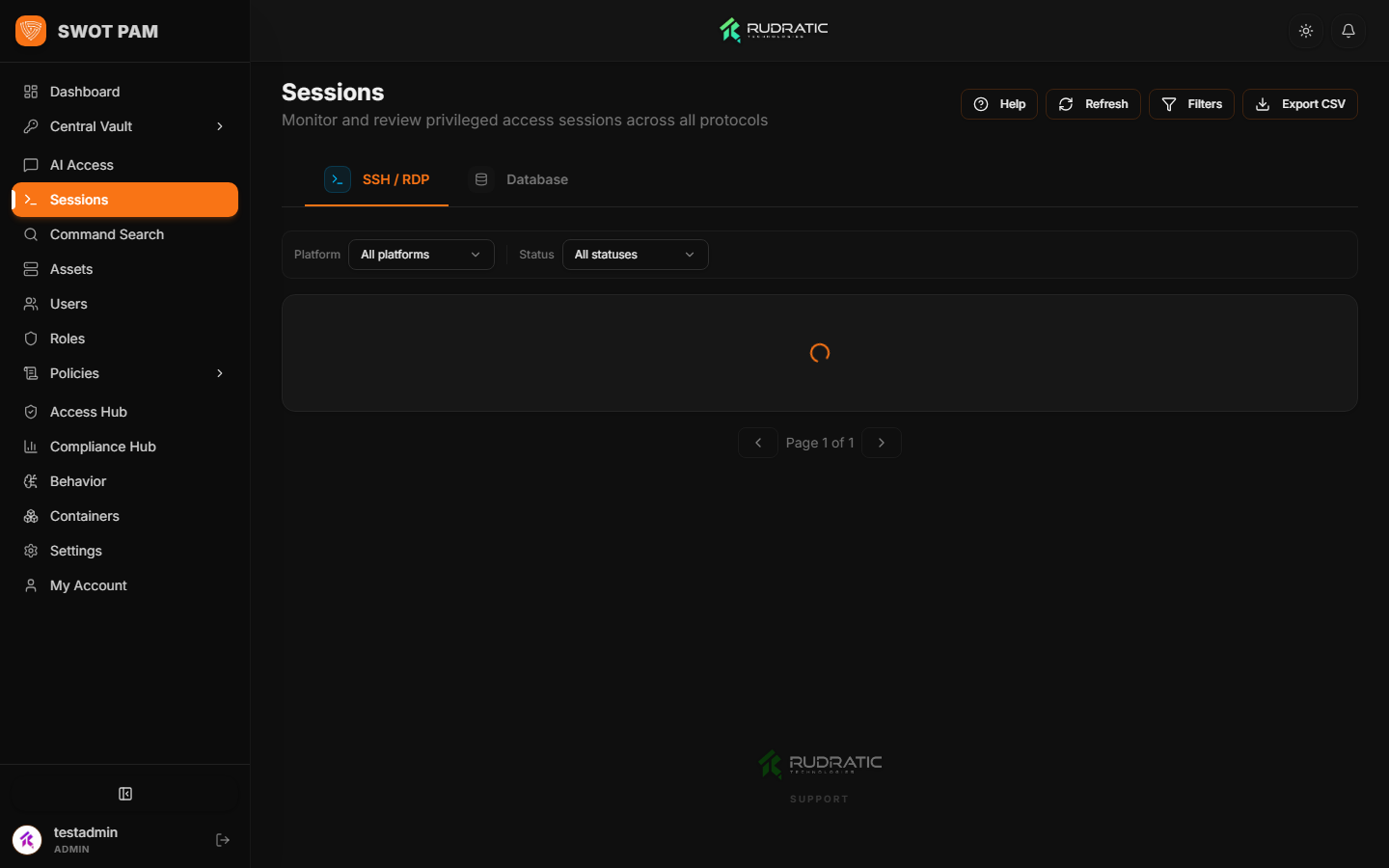
PAMGuard is SWOT PAM's integrated threat detection engine. It continuously analyzes command patterns, user behavior, and network activity across all proxy sessions.
8. Compliance Scorecards & Automated Reports
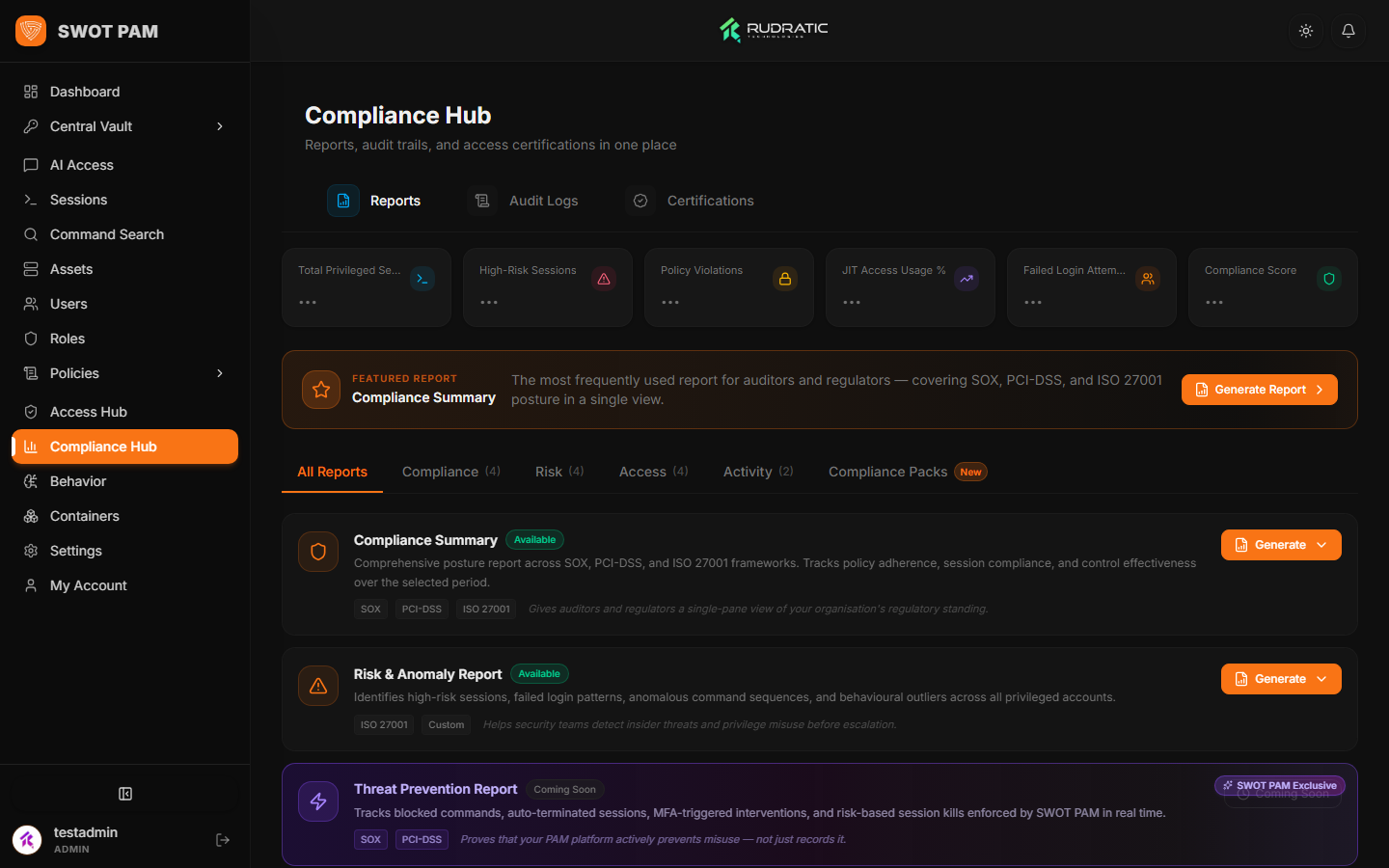
Meet rigorous regulatory requirements with automated compliance dashboards and exportable audit packages. SWOT PAM provides preconfigured mapping for SOC 2, ISO 27001, PCI-DSS, HIPAA, and GDPR.
9. Container Lifecycle & System Health
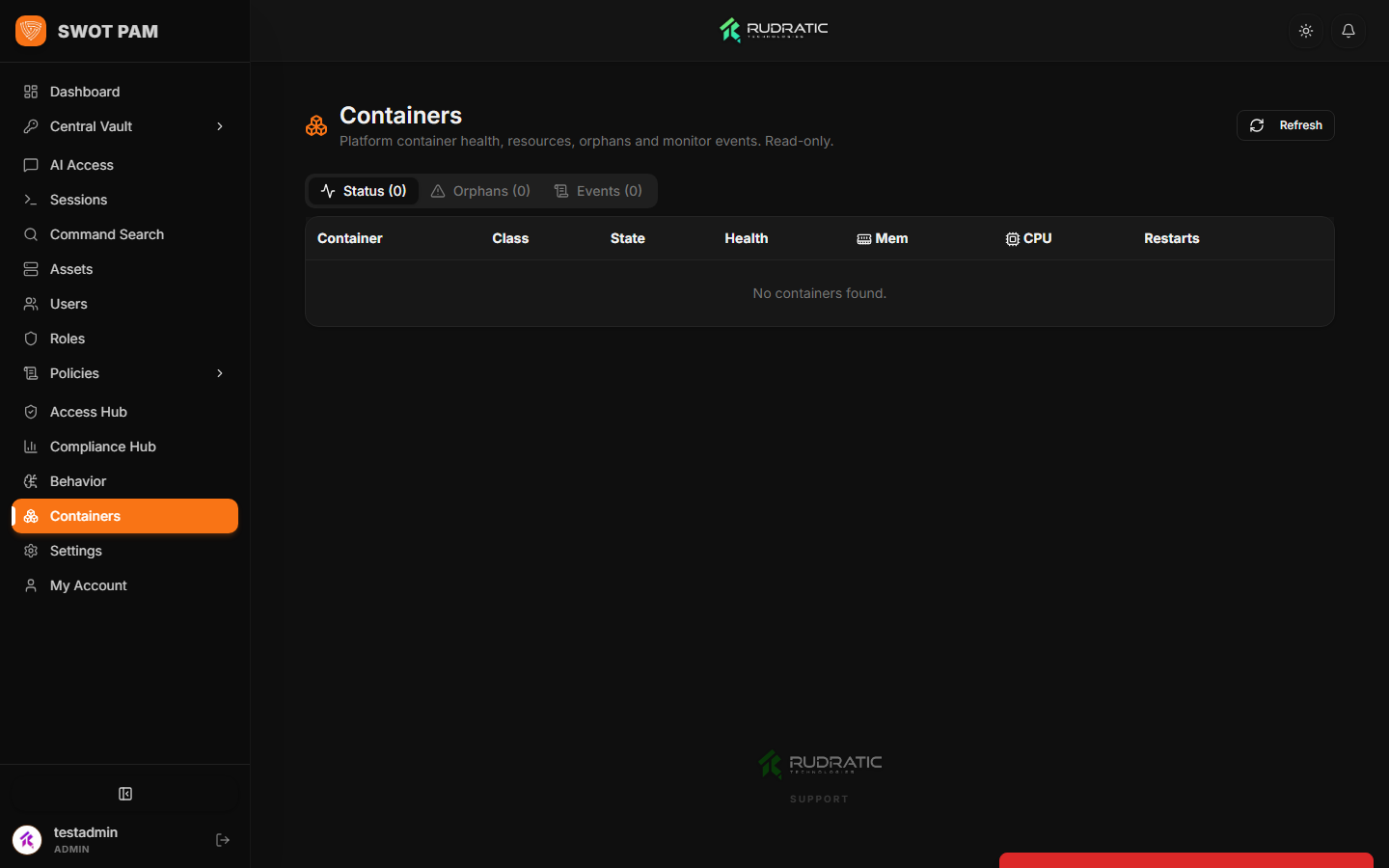
Administrators can monitor the operational health of each container service directly from the web interface without requiring host-level SSH access.